1. 概述编辑
2. 获取企业下所有项目编辑
接口简介:
| 接口作用 | 获取企业下所有项目 |
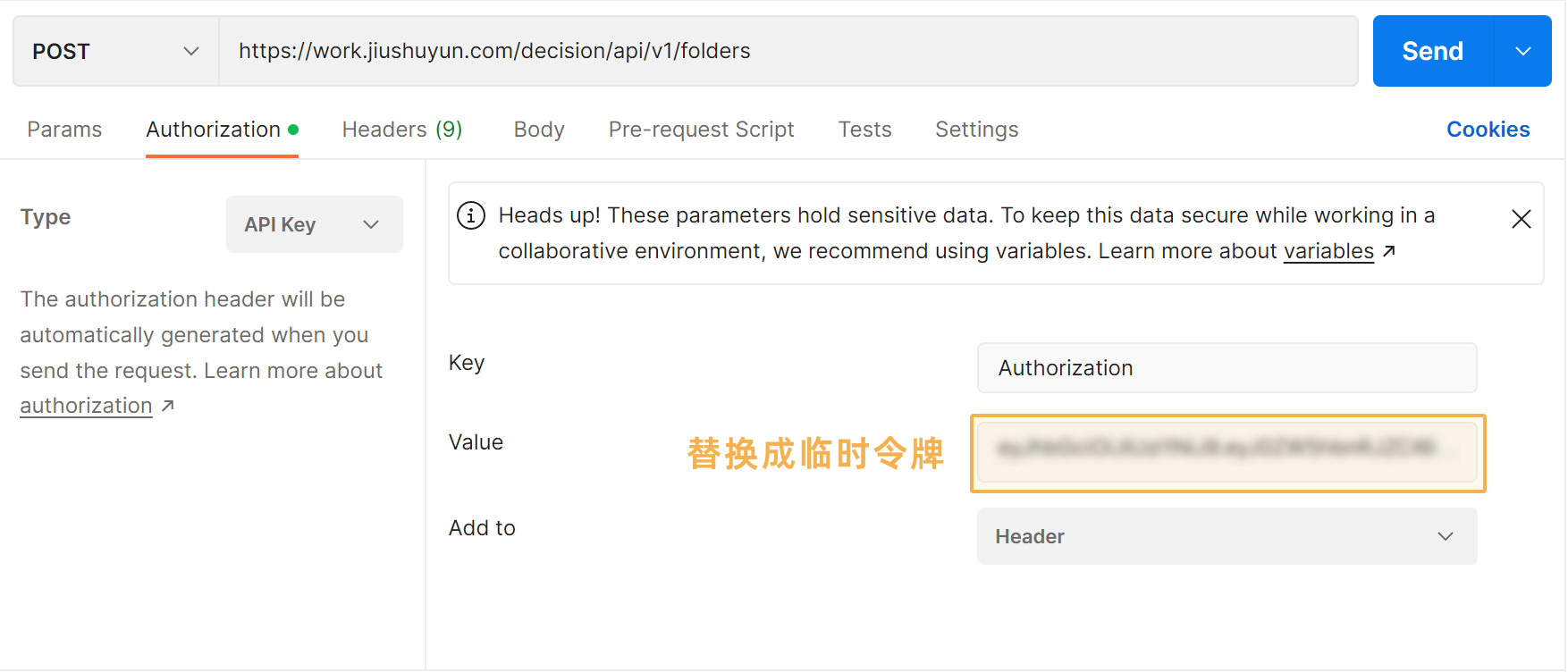
| 接口URL | /api/v1/folders |
| 请求类型 | POST |
响应实例:
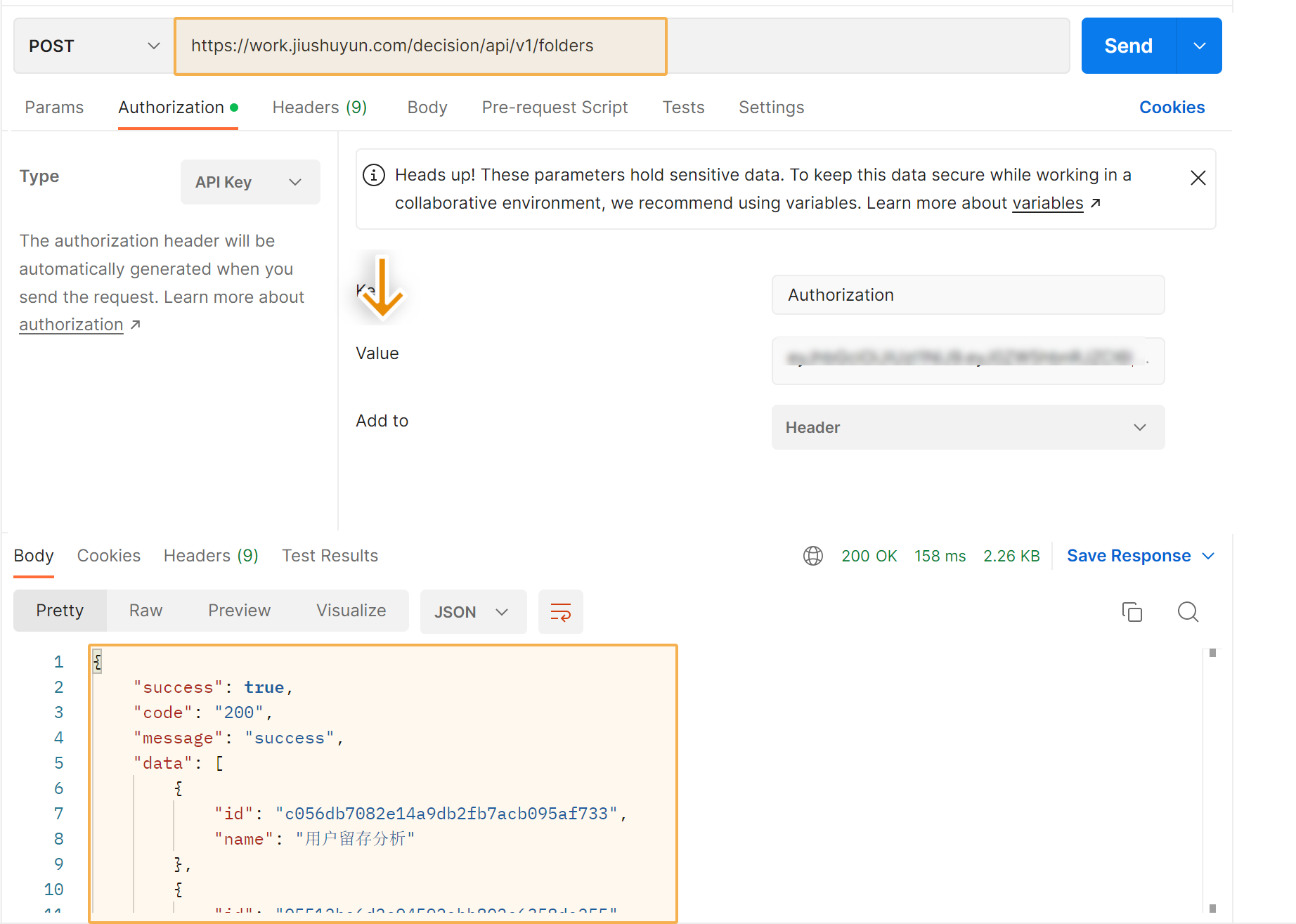
| 请求示例 | https://work.jiushuyun.com/decision/api/v1/folders |
| 响应成功 | { "success": true, "code": "200", "message": "success", "data": [ { "id": "c056db7082e14a9db2fb7acb095af733", "name": "用户留存分析" }, { "id": "1687061b7541448aaef049233f9cdf43", "name": "我的项目" }, ], "errorCode": null, "detailErrorMsg": null, "errorMsg": null } |
| 截图示意 |
|
3. 获取用户某项目下所有表名称-id对应关系编辑
接口简介:
| 接口作用 | 获取用户某项目下所有表名称-id对应关系 |
| 接口URL | /api/v1/{folderId}/tables folderId:第 2 节中获取的项目id |
| 请求类型 | POST |
响应示例:
| 请求示例 | https://work.jiushuyun.com/decision/api/v1/c056db7082e14a9db2fb7acb095af733/tables |
| 响应成功 | { "success": true, "code": "200", "message": "success", "data": [ { "id": "af9ce28e201a4567835a125017bfe4c8", "name": "当日留存率" }, { "id": "9f1a36f39ea54487b14538055eff3ca9", "name": "2020 用户留存分析" } ], "errorCode": null, "detailErrorMsg": null, "errorMsg": null } |
| 截图示意 | 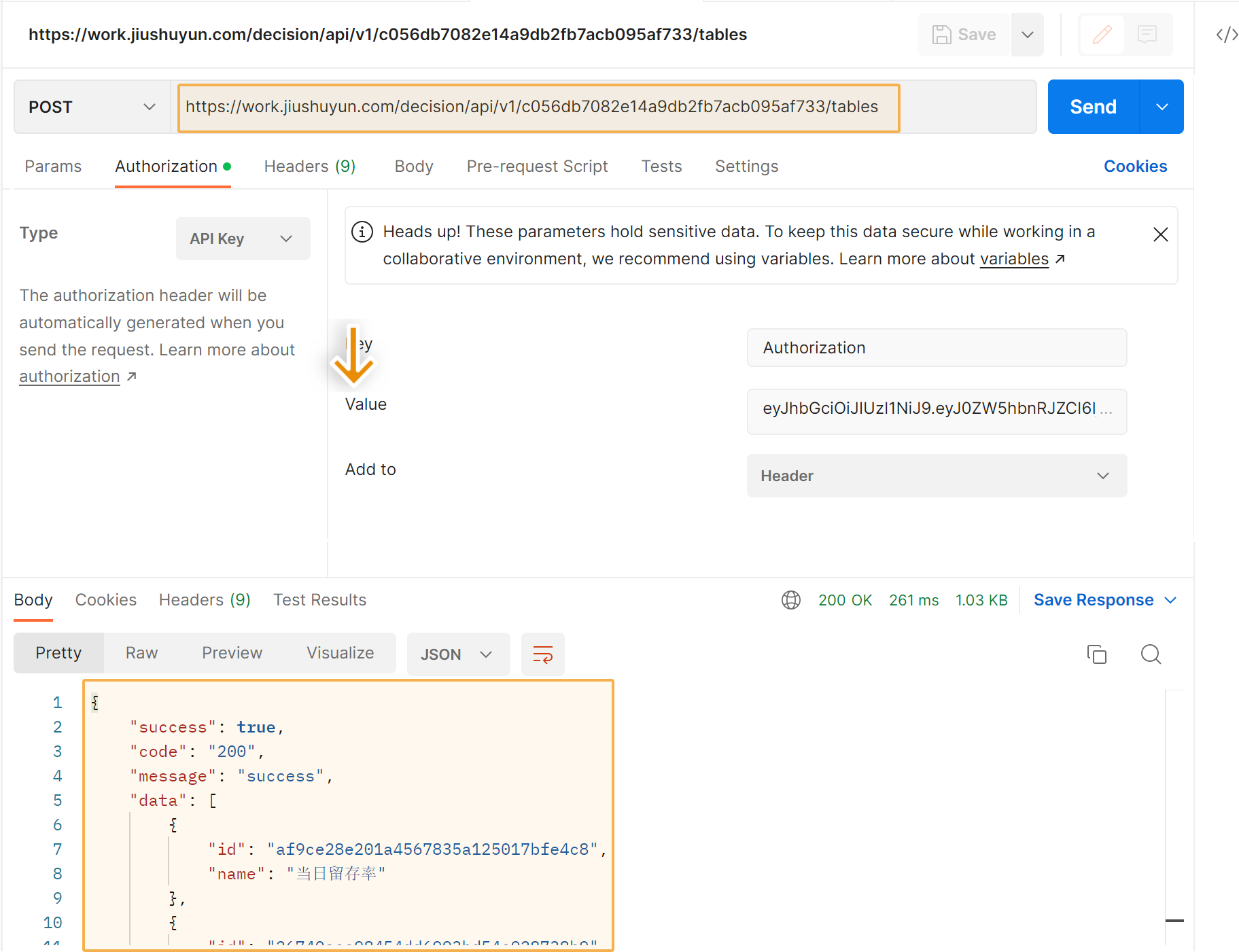 |
4. 获取分析表数据编辑
接口简介:
| 接口作用 | 获取分析表数据 |
| 接口URL | /api/v2/export |
| 请求类型 | POST |
| 请求参数 | {"tableId":"#表Id", "format": "excel"(说明:可不传,不传时默认为"csv",导出csv文件,传"excel"则导出excel文件)} |
| 返回值 | { "code":"200", "data":"https://...(导出的文件下载地址)", "success":true} |
使用方式:
1、使用tableId调用接口,创建导出任务,接口返回 { "errorCode": "61311022", "errorMsg": "table exporting,try later..." } ;
2、轮询使用tableId请求接口,若导出未完成,接口返回 { "errorCode": "61311022", "errorMsg": "table exporting,try later..." } 直到导出完成后,接口会正常返回: { "success": true, "code": "200", "message": "success", "data": "下载地址", }
注:
1、导出只可以导出分析表(数据源表、仪表板、故事板不支持);
2、导出不消耗导出次数;
3、此接口导出excel的功能,于2024.1.19.起正式使用;
5. 按表名返回 id编辑
接口简介:
| 接口作用 | 按表名返回 id |
| 接口URL | /api/v1/table/{tableId}/id tableId:表名(参考第 3 节中返回的 name) |
| 请求类型 | POST |
响应实例:
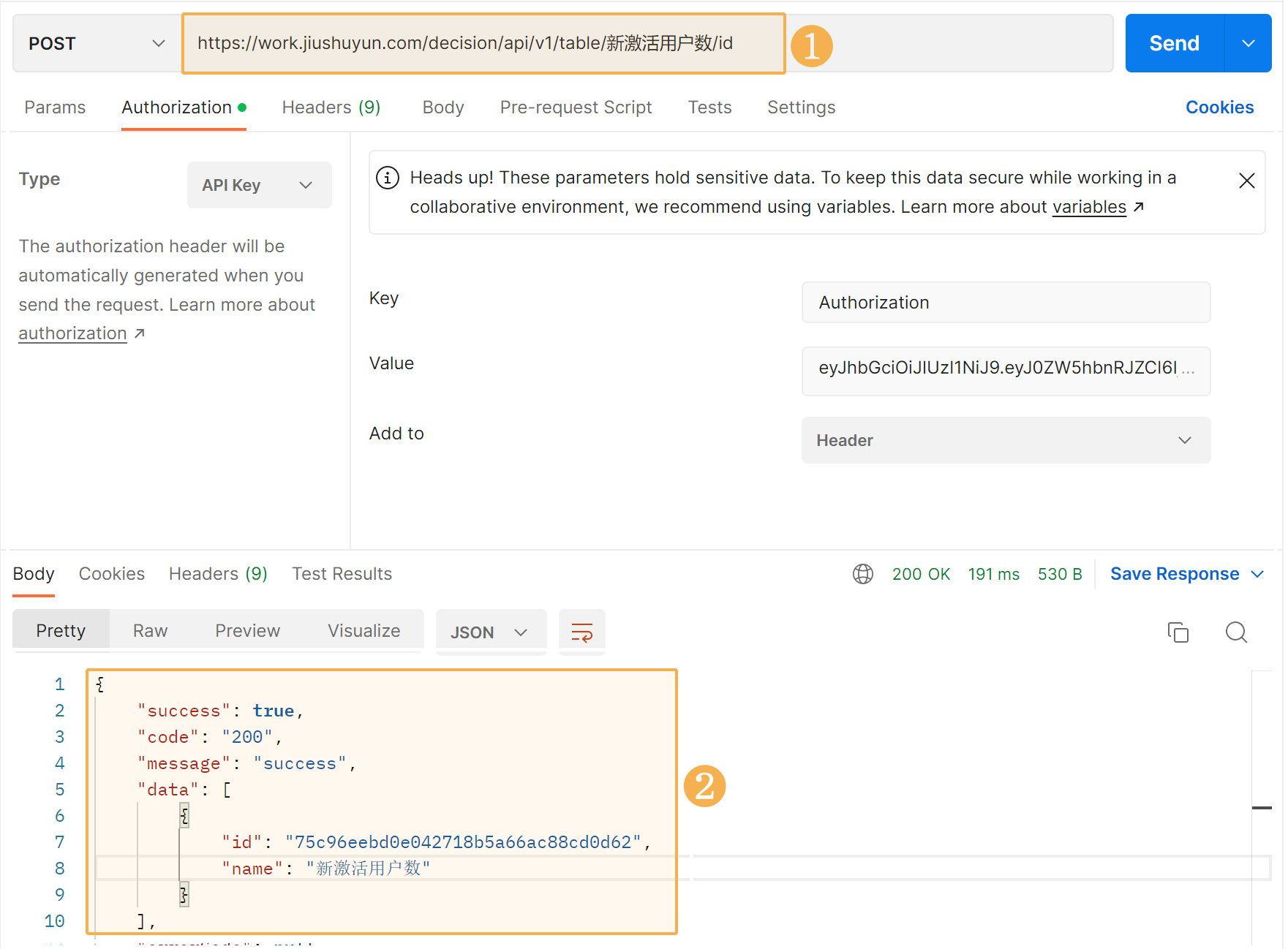
| 请求示例 | https://work.jiushuyun.com/decision/api/v1/table/{tableId}/id |
| 响应成功 | { "success": true, "code": "200", "message": "success", "data": [ { "id": "75c96eebd0e042718b5a66ac88cd0d62", "name": "新激活用户数" } ], "errorCode": null, "detailErrorMsg": null, "errorMsg": null } |
| 截图示意 | 您可以使用返回的 id 作为参数调用 4 接口获取表数据。
|