Catalog:
I. Overview编辑
FineReport supports the following WebLogic versions and JDK version:
WebLogic Version | JDK Version |
Weblogic12.2.1.3 and above | JDK 1.8 |
II. Deployment编辑
1. Deployment of folder
1) Preparations:
a) When deploying a folder, you have to introduce tools.jar. Specifically, copy %JAVA_HOME%/lib/tools.jar to lib folder under WebLogic folder.Lib folders are differently located in different WebLogic versions, and the route of the lib folder in WebLogic14 is wls1411\wlserver\server\lib. Please refer to the official file.
b) Put web.xml to WEB-NF folder where the project to be deployed resides, otherwise the folder cannot be selected at deployment time. Click to download xml. file:
2) Start deployment:
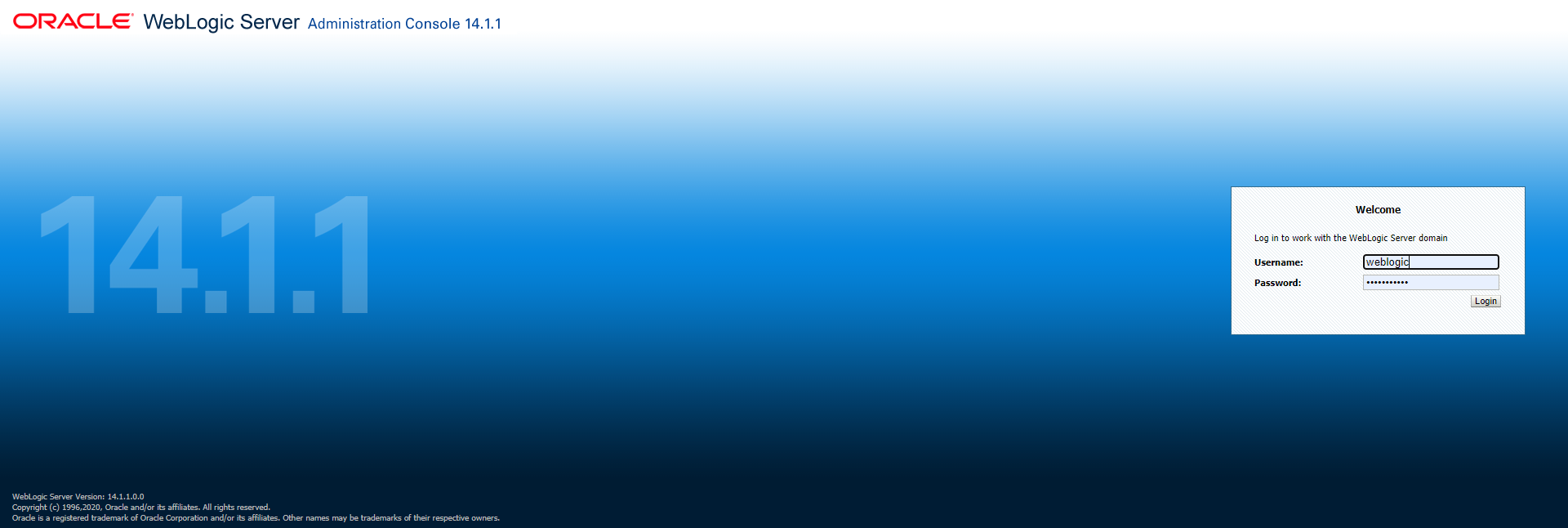
Log in the Web Administrator page in the browser.
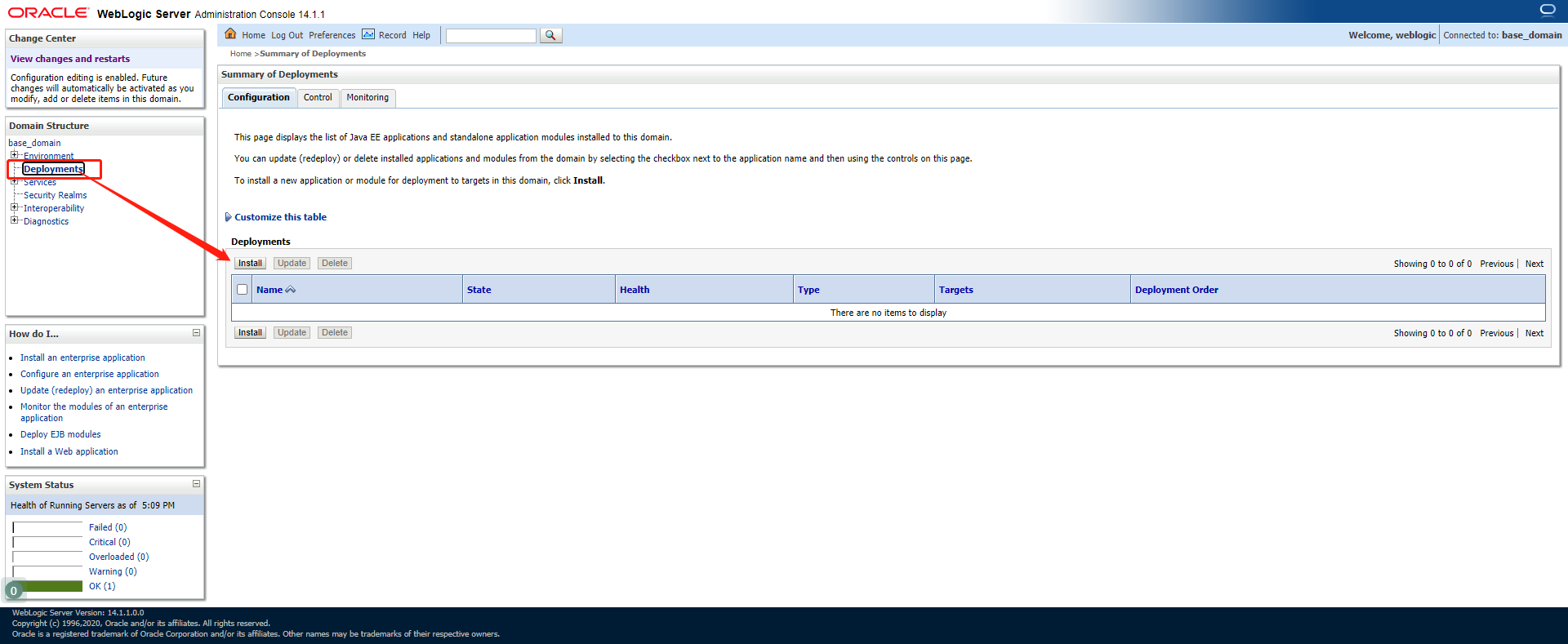
Click Deployments -> install
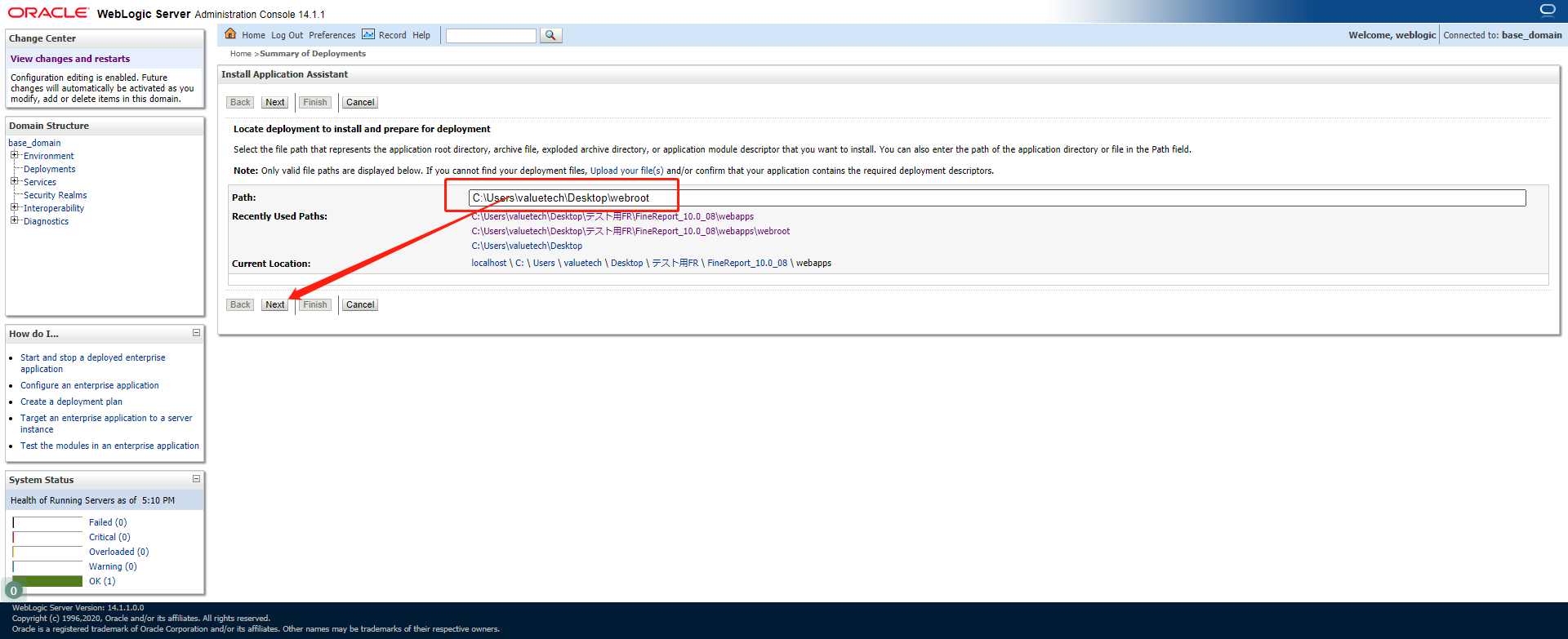
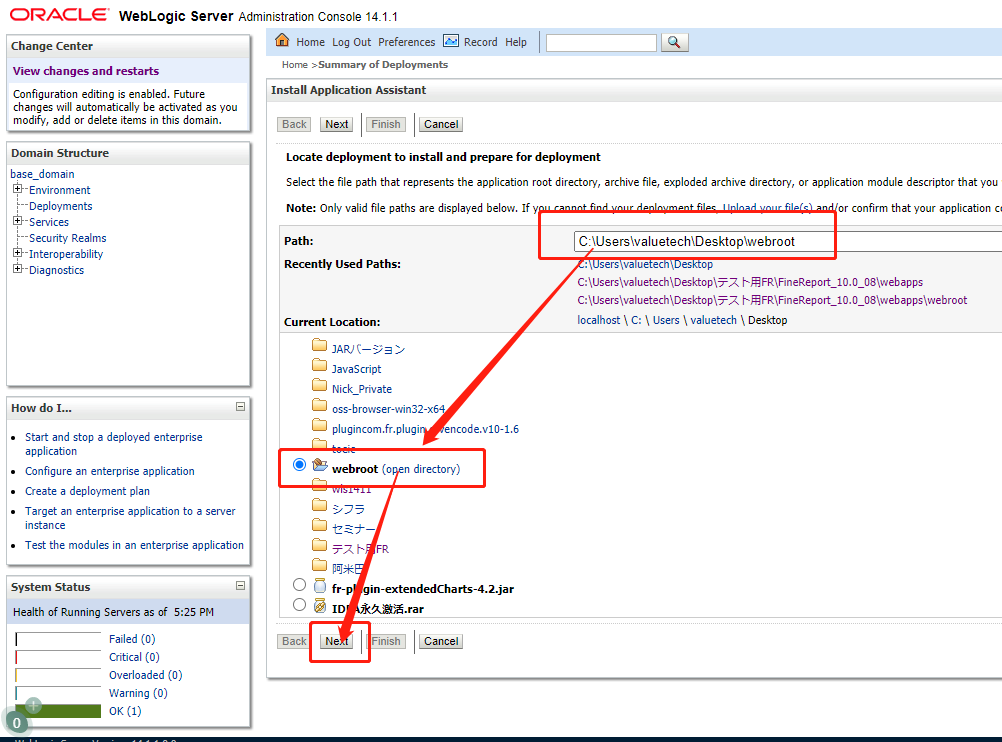
Select the webroot path and click [Next].
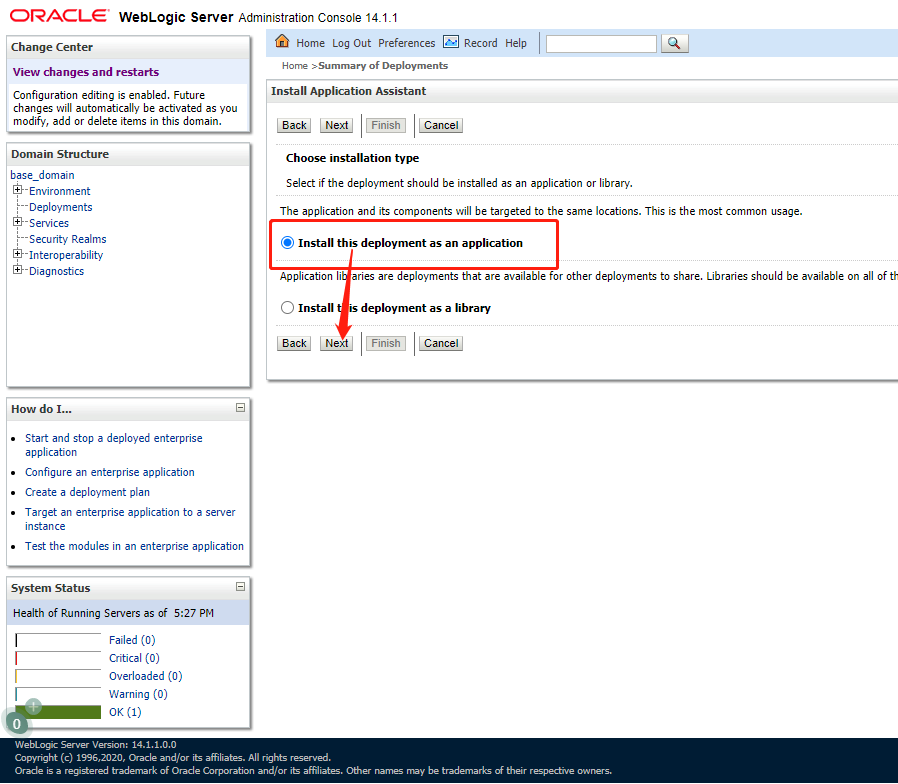
Select [Install this deployment as an application]and click [Next].
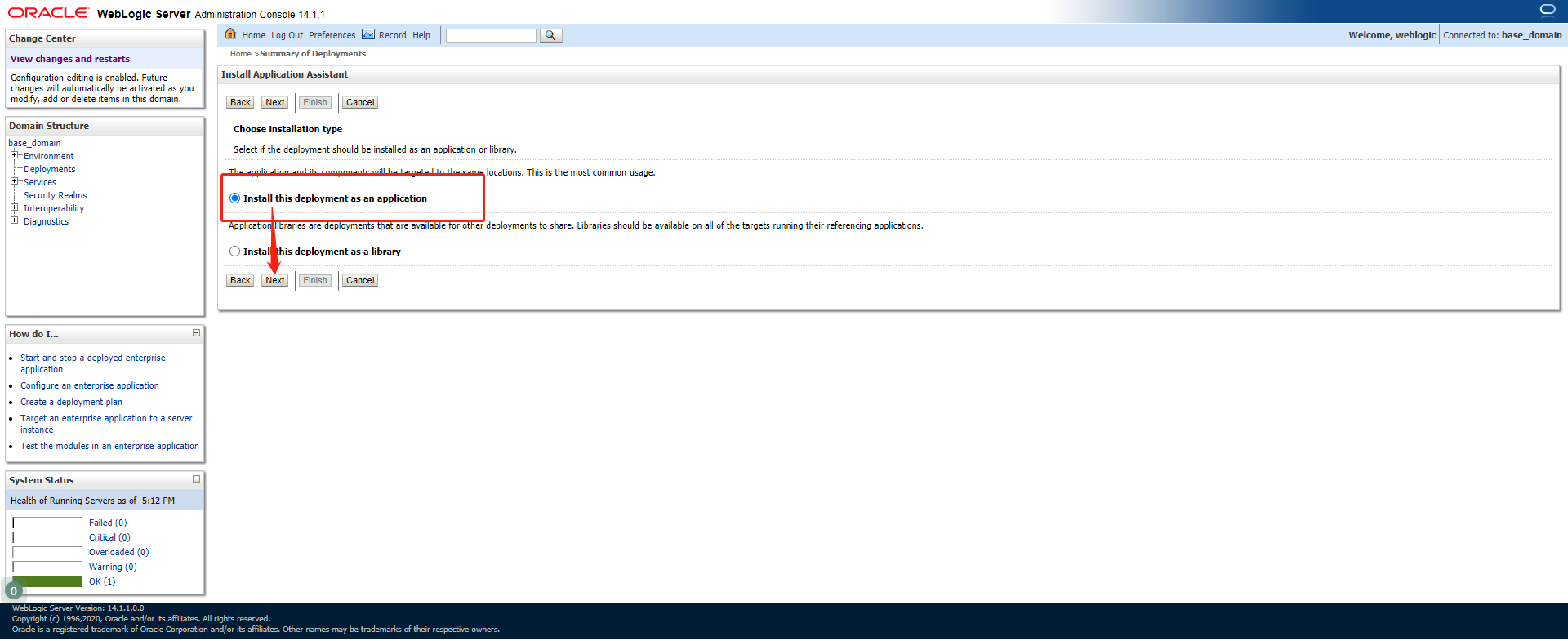
Click [Finish] to complete the deployment.
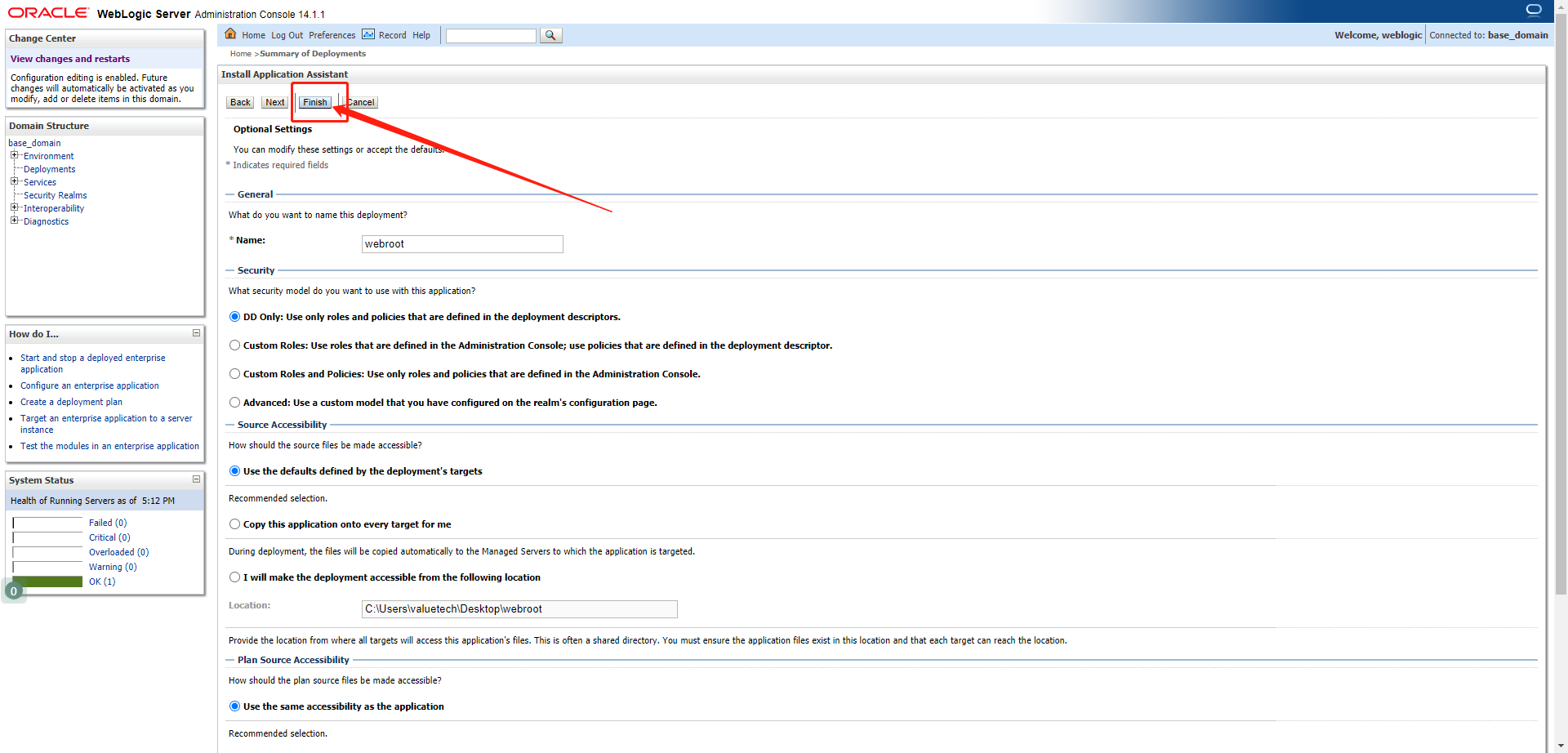
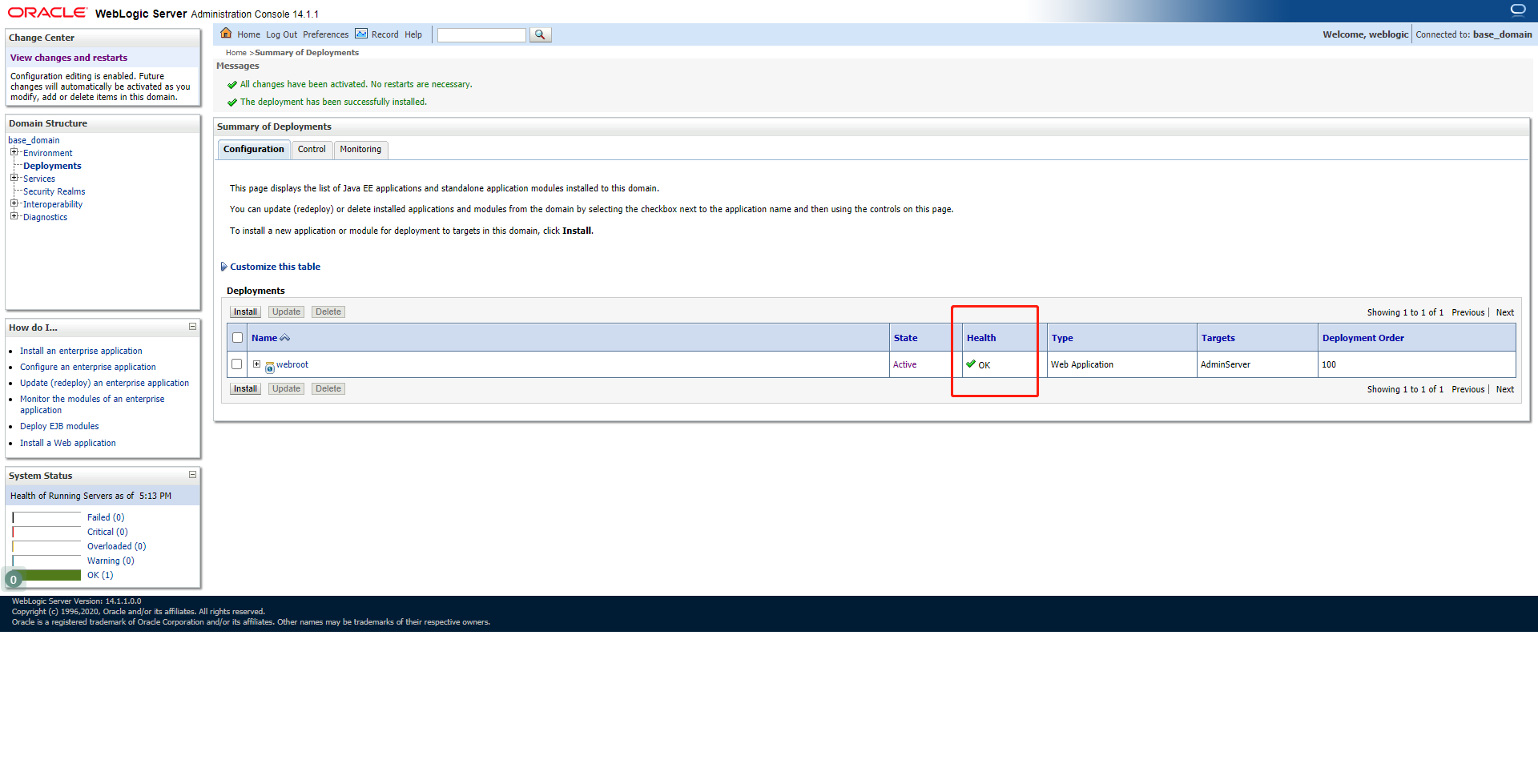
Generally, the project will be automatically activated. If not, select the project and click the Activation button in the upper left corner.
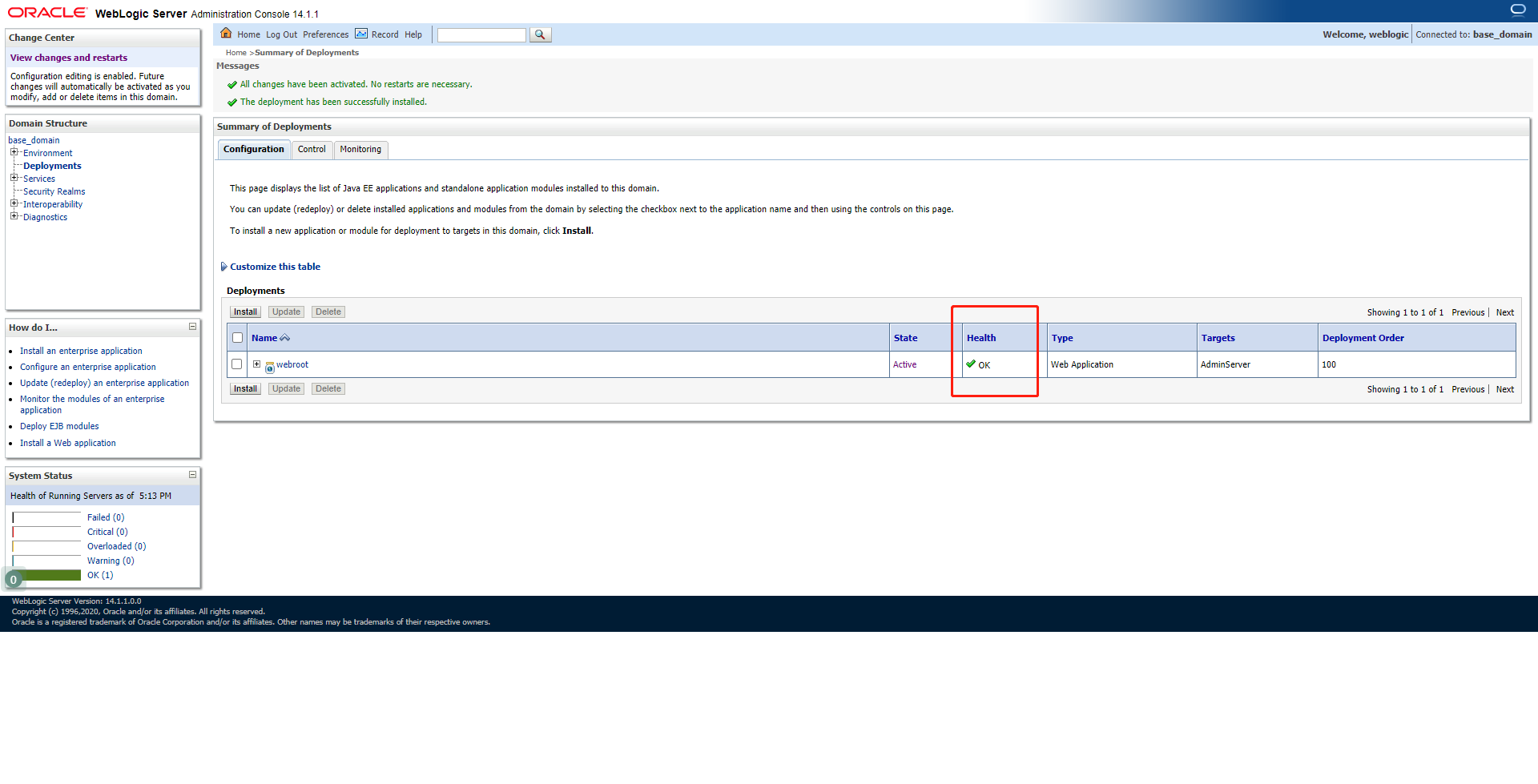
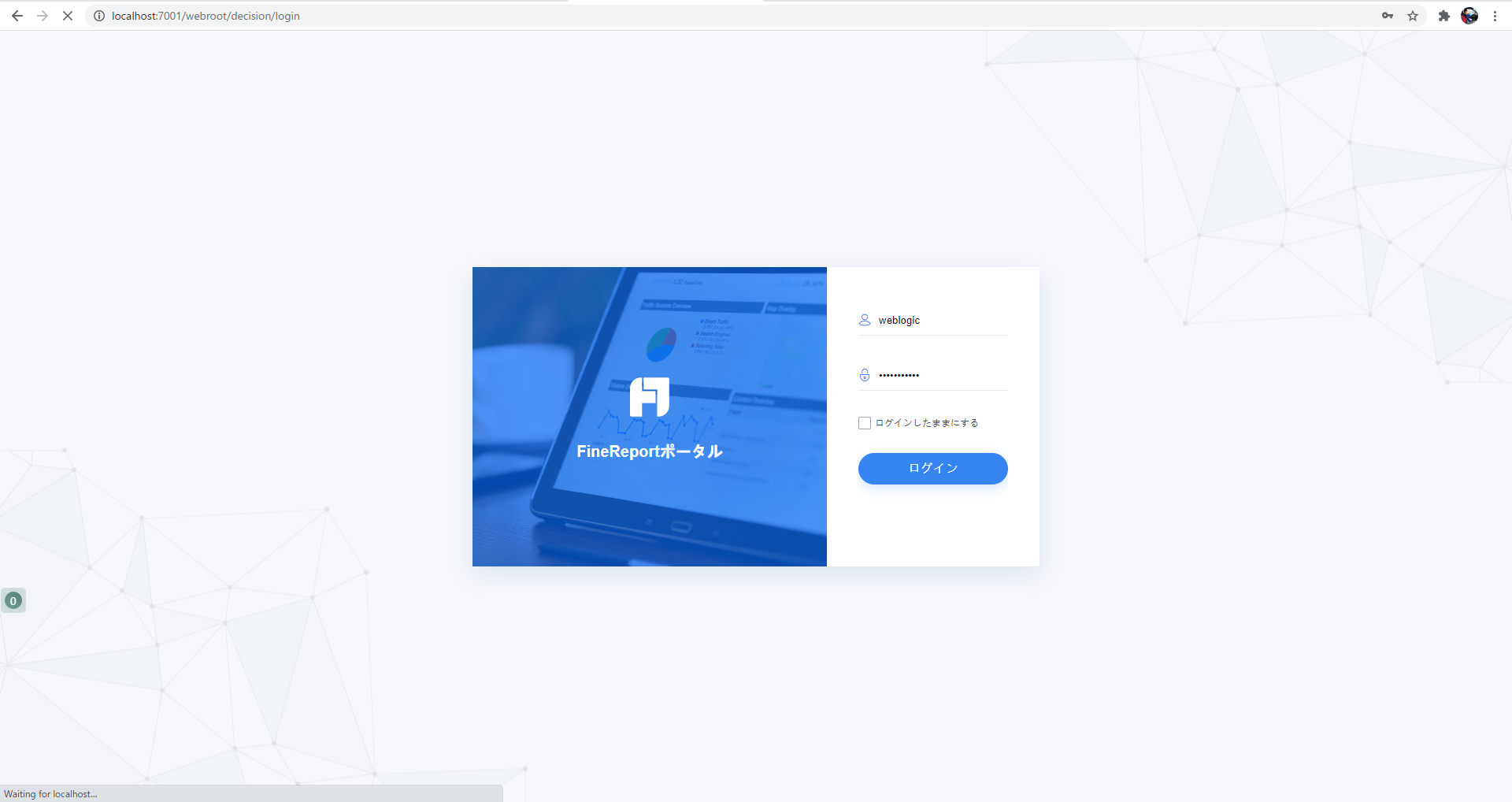
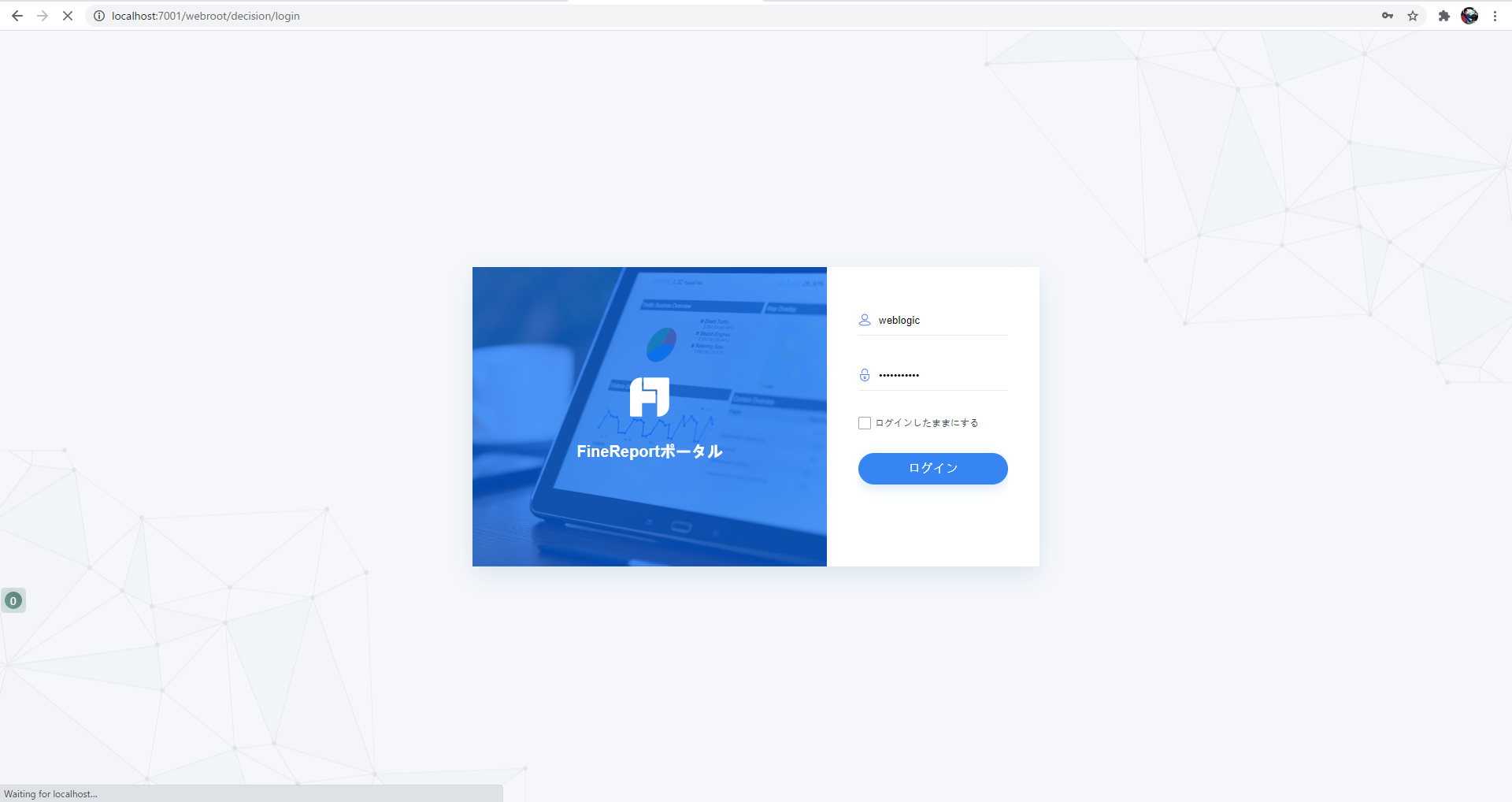
Upon being activated, if the project can be accessed, it indicates the deployment is successful. The path to access the project is localhost:7001/webroot/decision/login
2. Deployment of war package
1) Preparations
By using cmd to go into the directory where %FineReport_HOME%\webroot resides and executing the command
jar cvf webroot.war*
you can compress webroot folder into a war package.
2) Start deployment
Click Deployments->Install to start deployment.
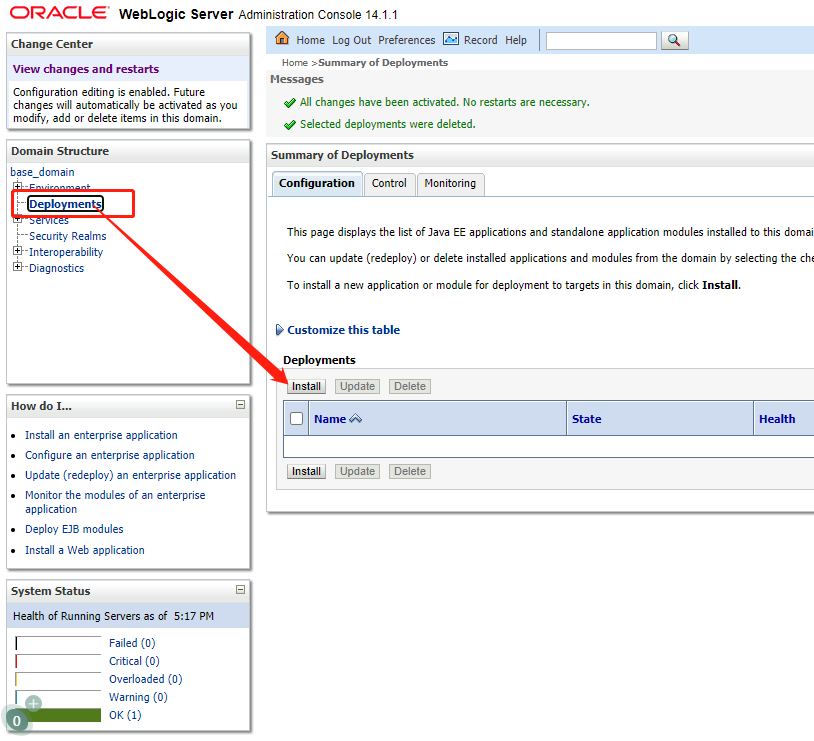
Click the path of war package, select webroot.war, and click [Next].
Select [Install this deployment as an application] and click [Next].
Click [Finish] to complete deployment.

If Health shows OK, it indicates successful deployment.
You can access to localhost:7001/webroot/decision/login